/assets/img-abc/blank.gif

EPOS Connect

Optimize and personalize your device

/assets/img-abc/blank.gif

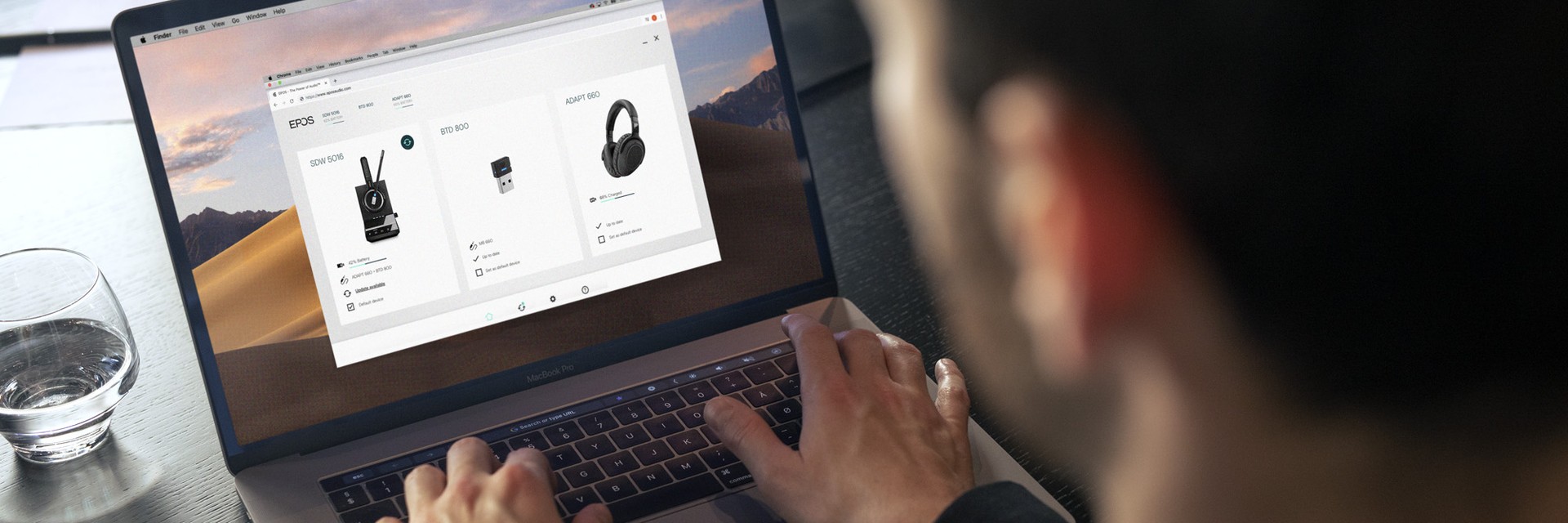
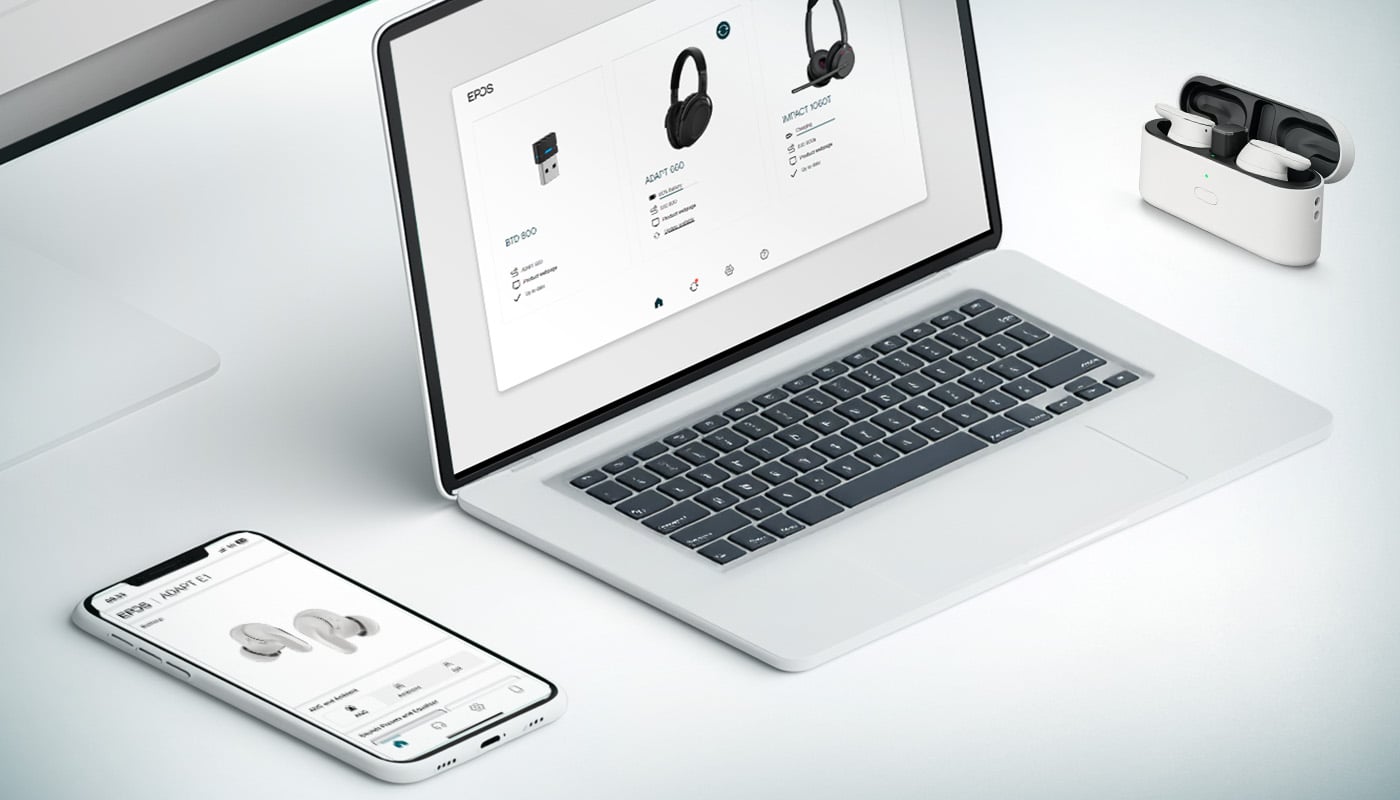
EPOS Connect is a user-friendly desktop, mobile*, and web** application designed to keep your EPOS devices seamlessly connected and updated with the latest firmware.

Whether you are part of an organization using  EPOS Manager for centralized device management or an individual utilizing EPOS Connect as a standalone application, this tool provides real-time updates and enables end-users to customize settings for optimal call quality and a tailored audio experience.

*The mobile application supports EPOS Bluetooth® headsets.

**The web application focuses on firmware updates.

EPOS Connect for desktop and mobile

/assets/img-abc/blank.gif

EPOS Connect for Windows

EPOS Connect for Windows gives the end user access to the latest firmware updates and personalized audio device settings. Stay in control with a tool that keeps EPOS headsets and speakerphones work seamlessly with all leading softphones.

Download .exe

Download .msi

Find Documents

Version 8.5.0

/assets/img-abc/blank.gif

EPOS Connect for Mac

EPOS Connect for Mac ensures that your headset interfaces with your softphone and enables call control seamlessly. Stay up to date with latest firmware updates and configure your audio devices according to your personal preferences.

Download for Mac

Find Documents


Version 8.5.0

/assets/img-abc/blank.gif

EPOS Connect for Mobile

Take control of your sound environment wherever you work with the free EPOS Connect App – made to optimize your audio experience from your EPOS Bluetooth headset. Enable optimal functionality with a download of the EPOS Connect App, compatible with iOS and Android systems.

/assets/img-abc/blank.gif

EPOS Connect for Web

For organizations with strict security policies that prevent the installation of software, EPOS Connect Web offers a secure, browser-based solution. It allows users to deploy firmware updates without the need to download or install any applications.

This alternative ensures maintaining firmware updates to keep EPOS devices up-to-date and fully functional.

/assets/img-abc/blank.gif

Security around EPOS Connect

EPOS is committed to applying the highest security and compliance standards when it comes to your data.

Internal and external processes and third-party audits are all set up to make EPOS a secure and trusted partner.

The latest updates

Get the latest firmware updates to enhance your audio devices and ensure your performance at work

Personalized audio experience

Wherever you work, personalize your device settings to suit your working situation and choose a default softphone*** and headset

Control calls seamlessly

Connect your headset and softphone for full call control including; answer/end calls, adjust volume and mute

Easy to use

Enjoy an intuitive and user-friendly interface that makes it easy to get the most from your EPOS audio devices.

Freeware

Enable optimal functionality of your EPOS devices with a free download of EPOS Connect.

For personal or business use

Works for individuals, small companies and with company accounts on EPOS Manager

*** Softphone selection applies to the EPOS Connect desktop (Windows & Mac) versions.